Always open. Wherever they message you.
Your products and services, orders, payments and deliveries in one place, with an AI in front of them that answers customers around the clock.


Two hours a day, back
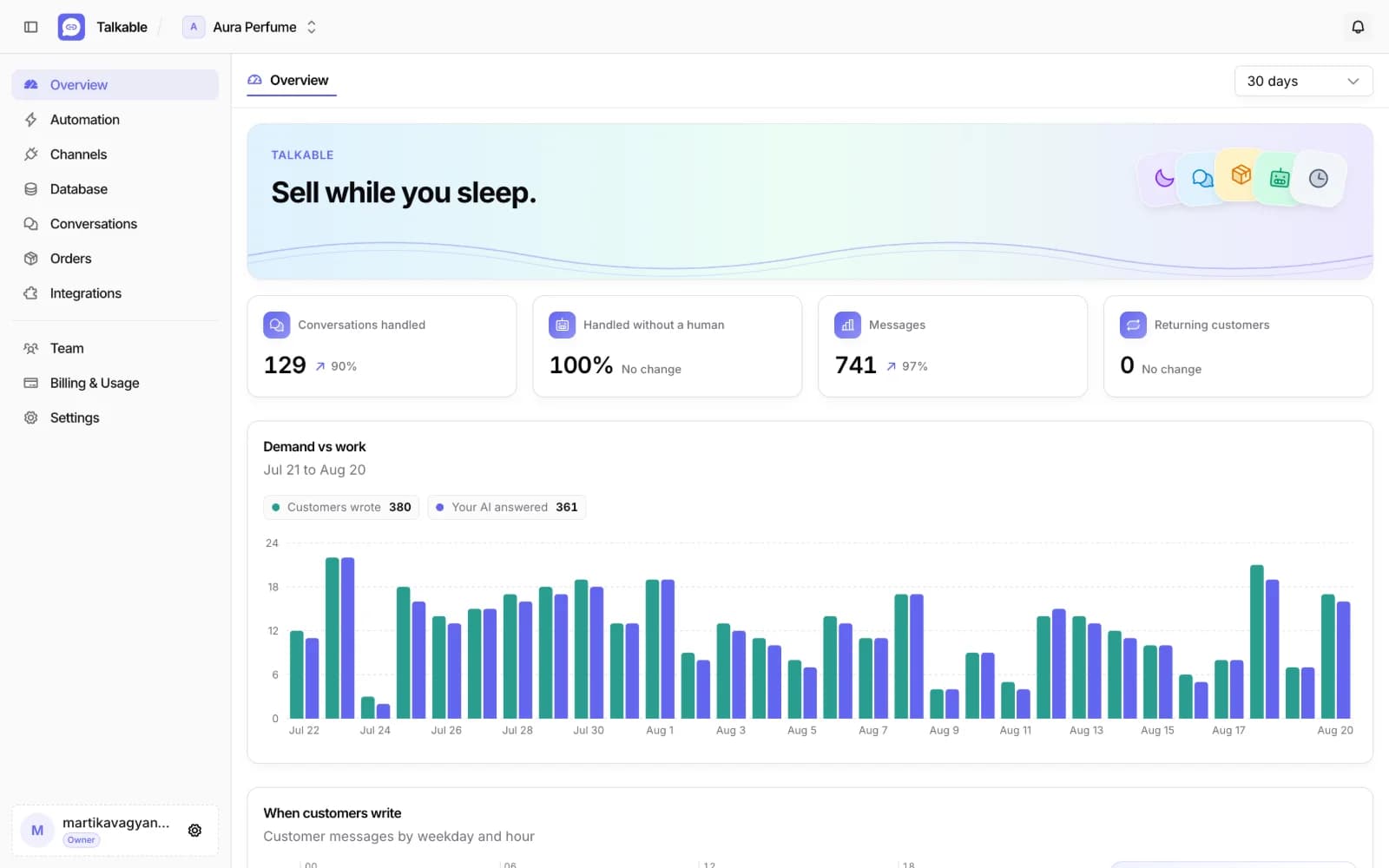
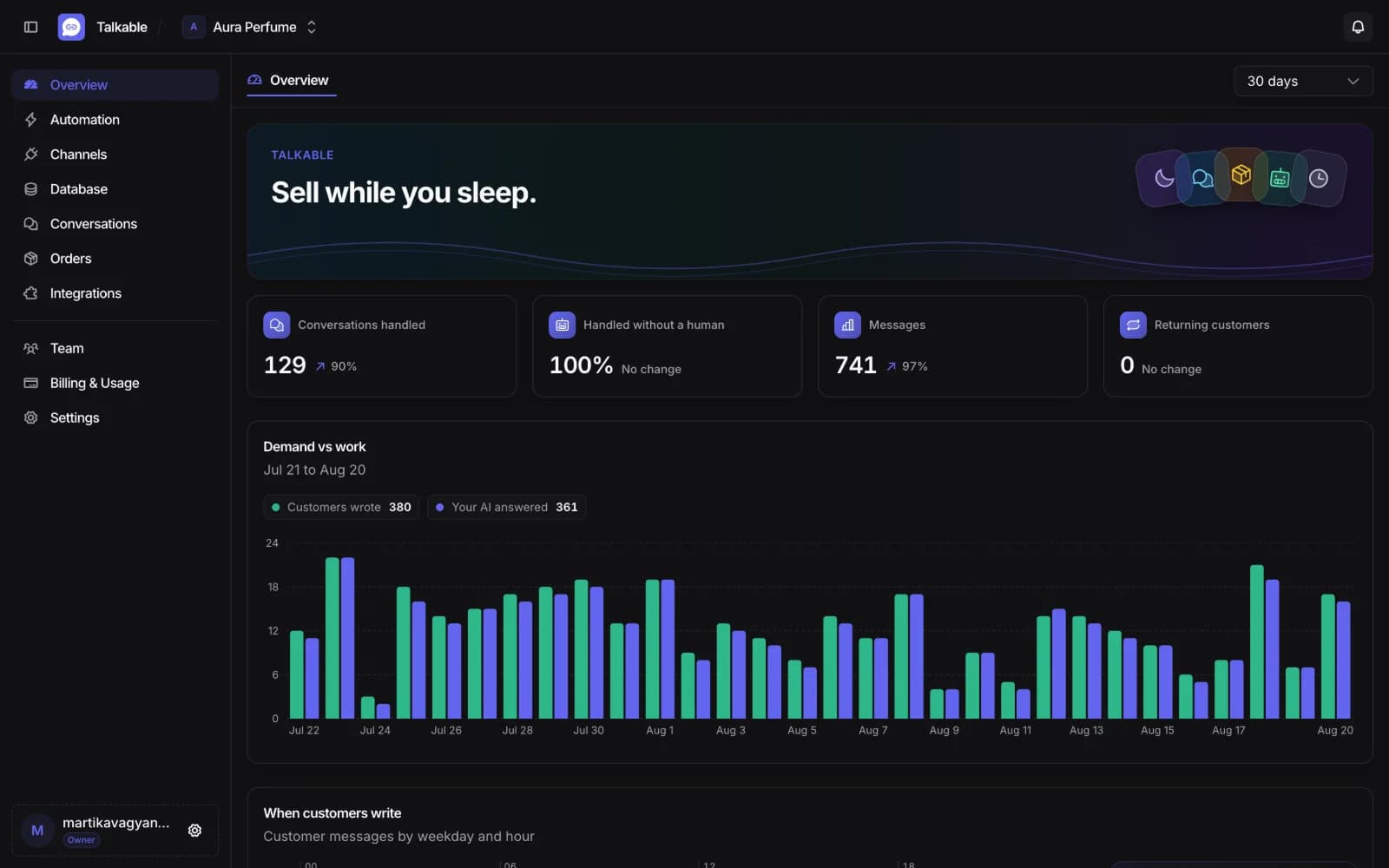
Count the messages you answered yesterday. At three minutes each, forty of them is two hours. Most were about price, availability or delivery, and the answers were already sitting in your data.
- The same questions answered without you typing
- Nights and weekends covered without a shift
- A subscription instead of another pair of hands
- +2 hrs
- A day at 40 messages, 3 min each
- $29
- A month per project, on Basic
Everything you sell, and everyone who asks about it
One catalog, one inbox, one list of orders. The AI works across all three.
Products and services in one catalog
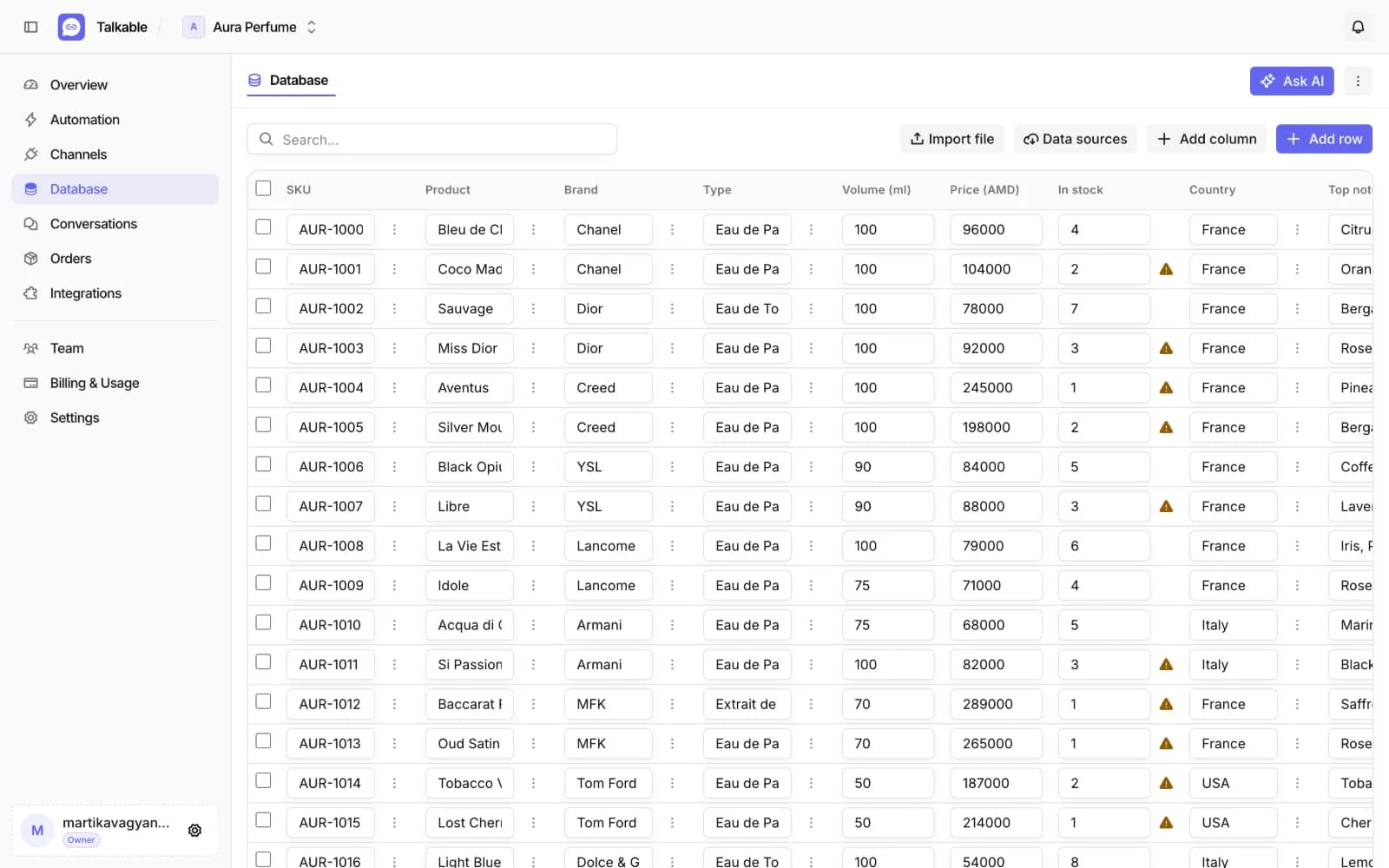
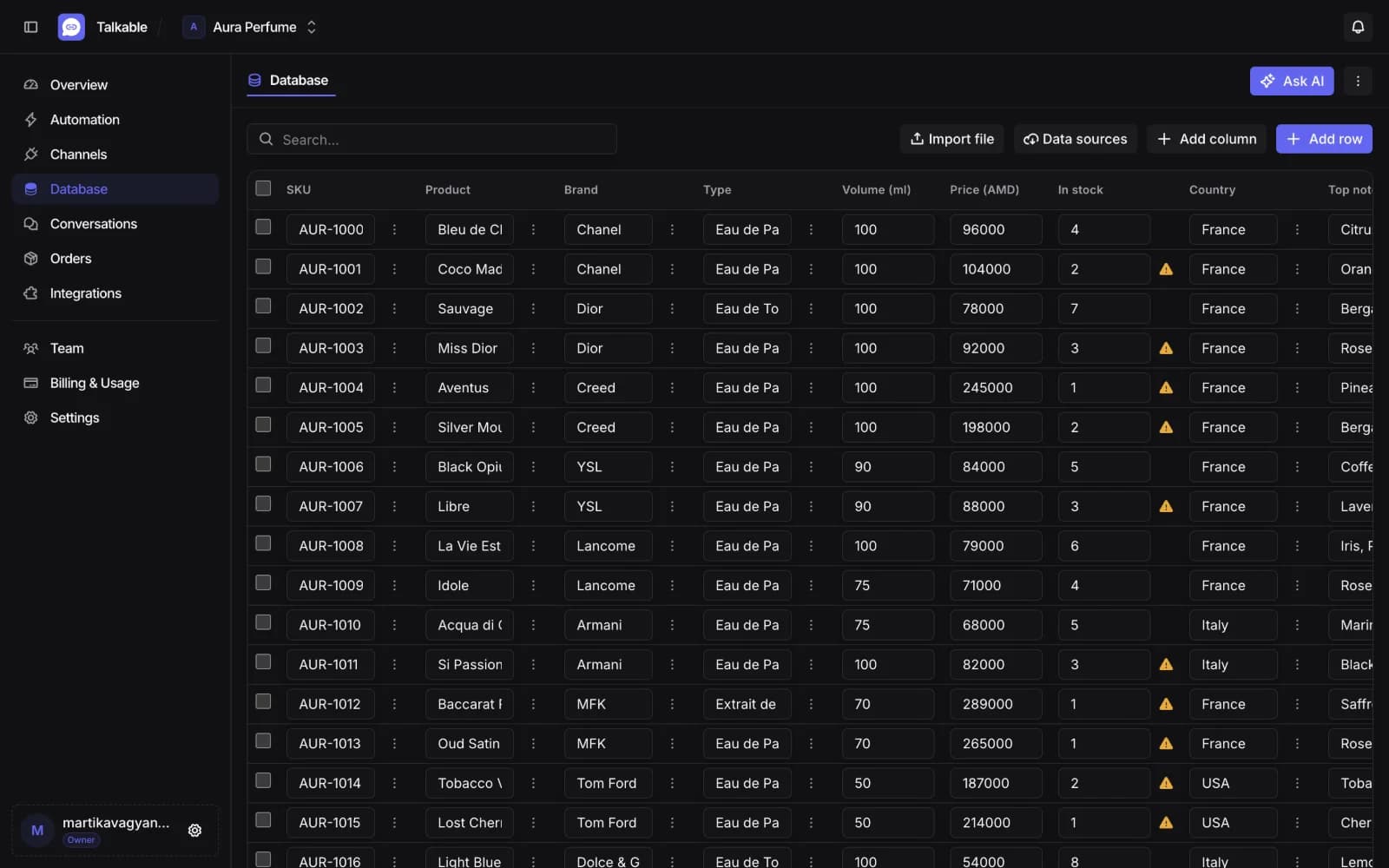
Import what you sell once. Ask in plain words or describe an edit, and the AI proposes it. Nothing is saved until you approve.
- Import from a file, a spreadsheet or a document
- Ask about your data in plain words
- Bulk edits and new columns, proposed for your approval
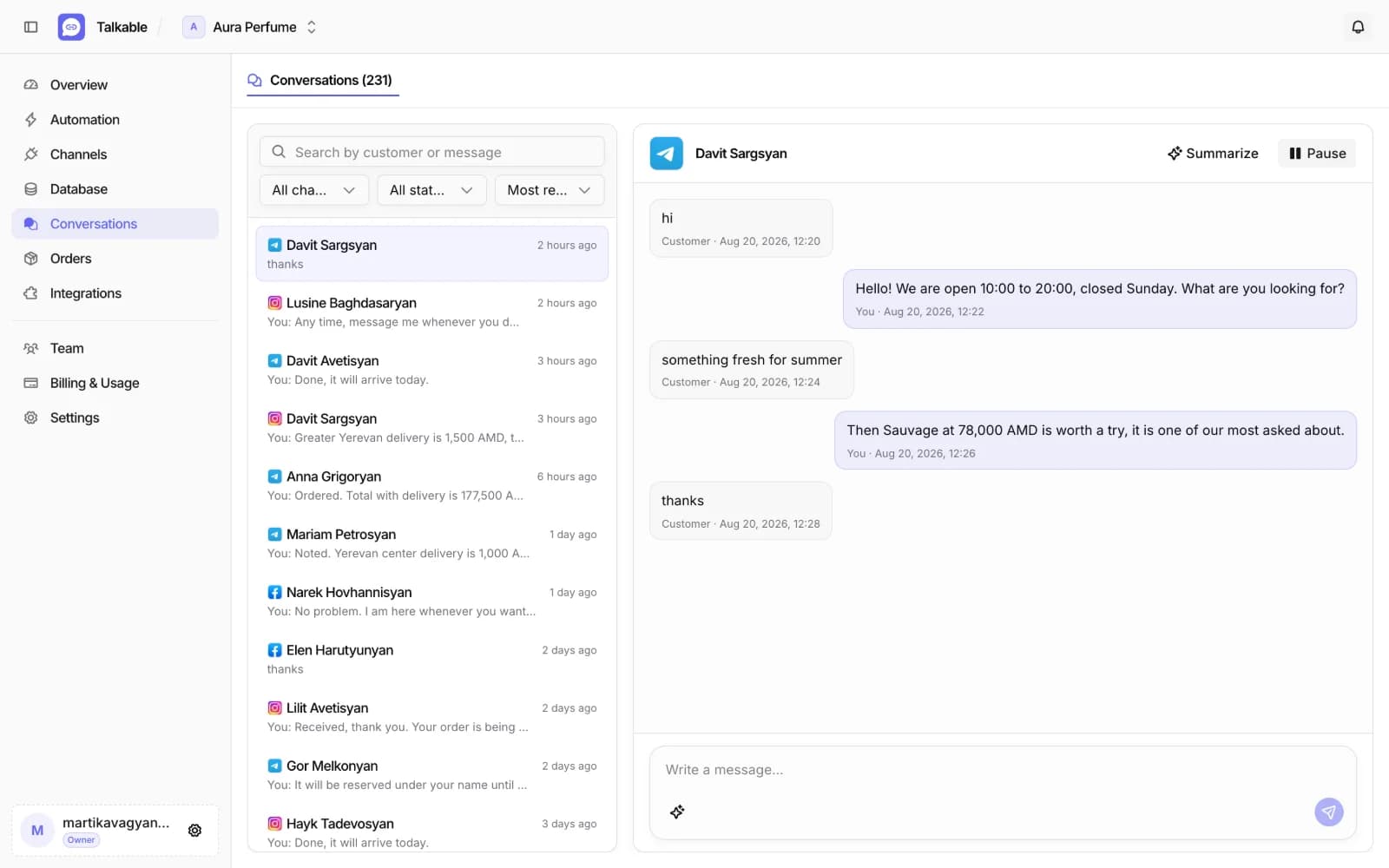
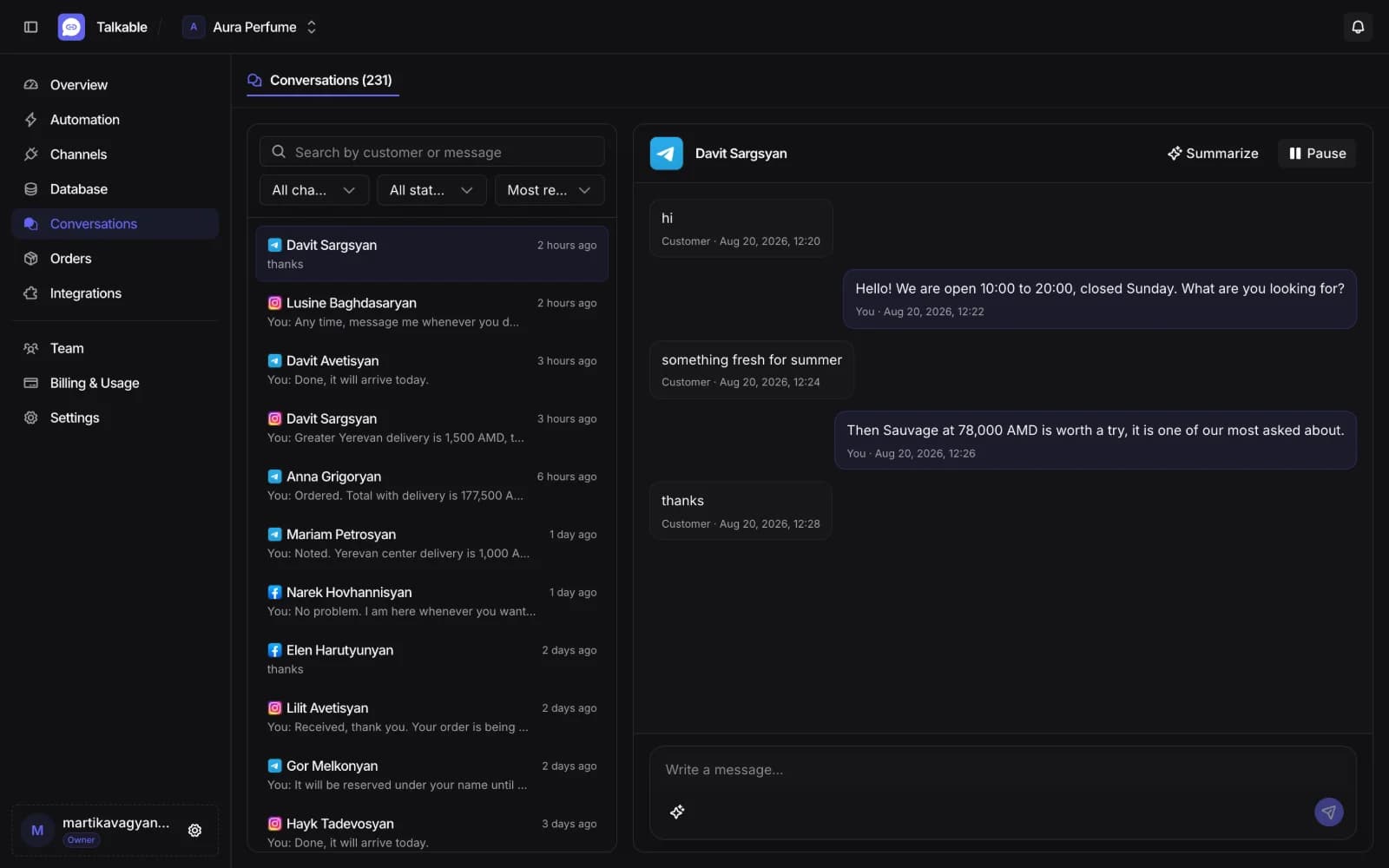
Answered 24/7, on the app they chose
Every conversation arrives in the same place, whichever messenger it came from. You see what the AI said and can step in at any point.
- Replies in the language the customer wrote in
- Understands voice messages and photos, not only text
- Pause the AI on one chat and answer yourself
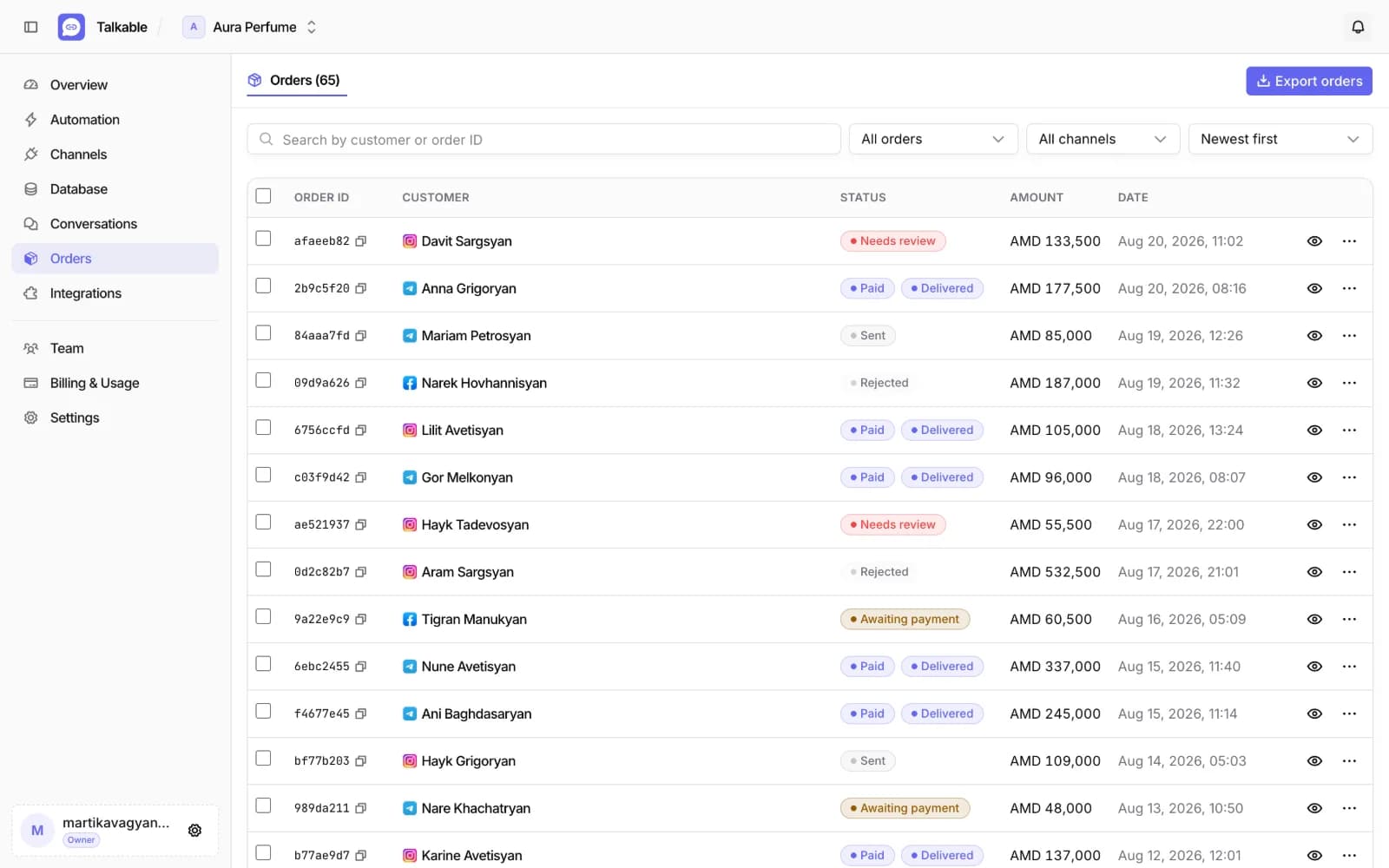
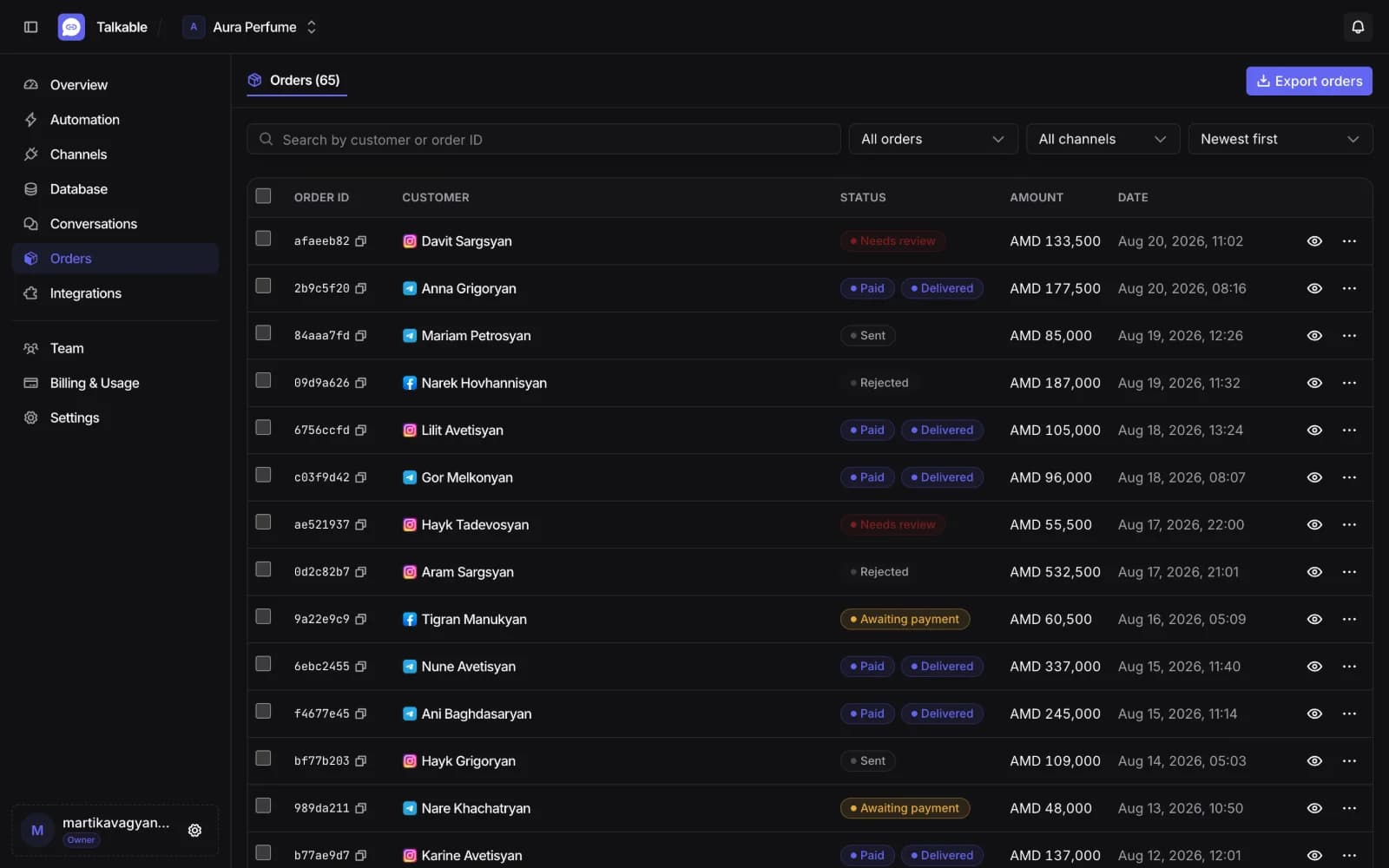
Orders and bookings arrive already written
When a conversation ends in a sale or a booking, it is in the list with the customer, the amount and where it came from.
- Status from awaiting payment through to sent
- Payment receipts checked against the order
- Export the list as a file
What a customer can send
No customer has to learn how to talk to it.
Voice messages
Transcribed and answered. Nobody has to ask the customer to type it out.
Photos
A customer can send a picture of what they are looking for, or a payment receipt.
Shared media
A customer sends a post, a reel or a story. The assistant watches it and answers about what is in it.
Your business details
Working hours, days off, contacts and policies, answered from your project settings.
Payment and delivery
Local wallets and card transfers, with the delivery fee added to the order total.
A human, when it matters
Pause the assistant in one app or one chat and take the conversation yourself.
Three steps to a working assistant
The checklist in the app shows what is still missing before the AI goes on duty.
- 1
Bring your data
Upload your products and services, or import them from a spreadsheet or a document. Your column names stay yours.
- 2
Connect an app
Connect the messengers your customers already write to: Telegram, Instagram and Facebook Messenger.
- 3
Set the tone and go live
Write the welcome line and how the assistant should speak. Then turn it on.
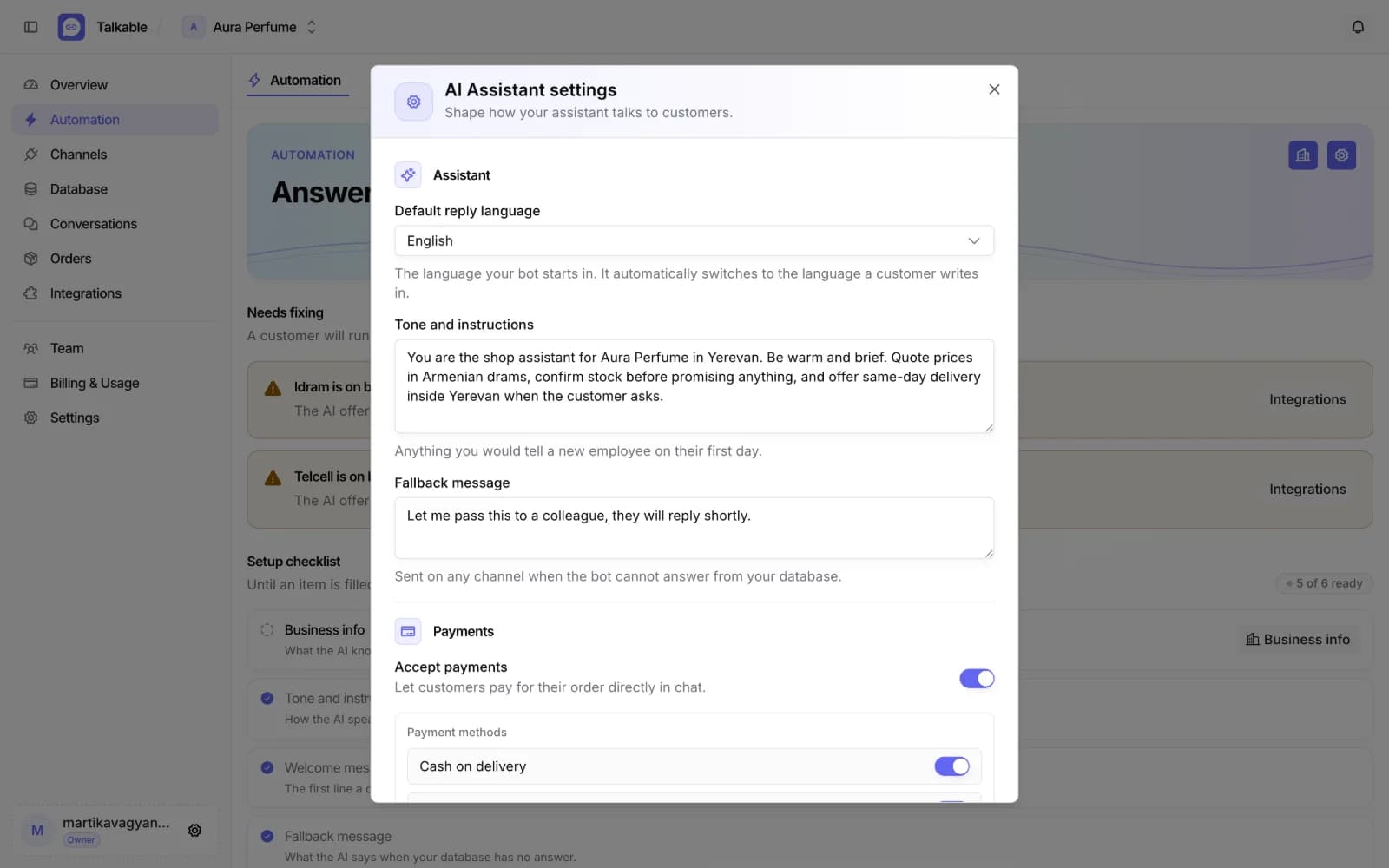
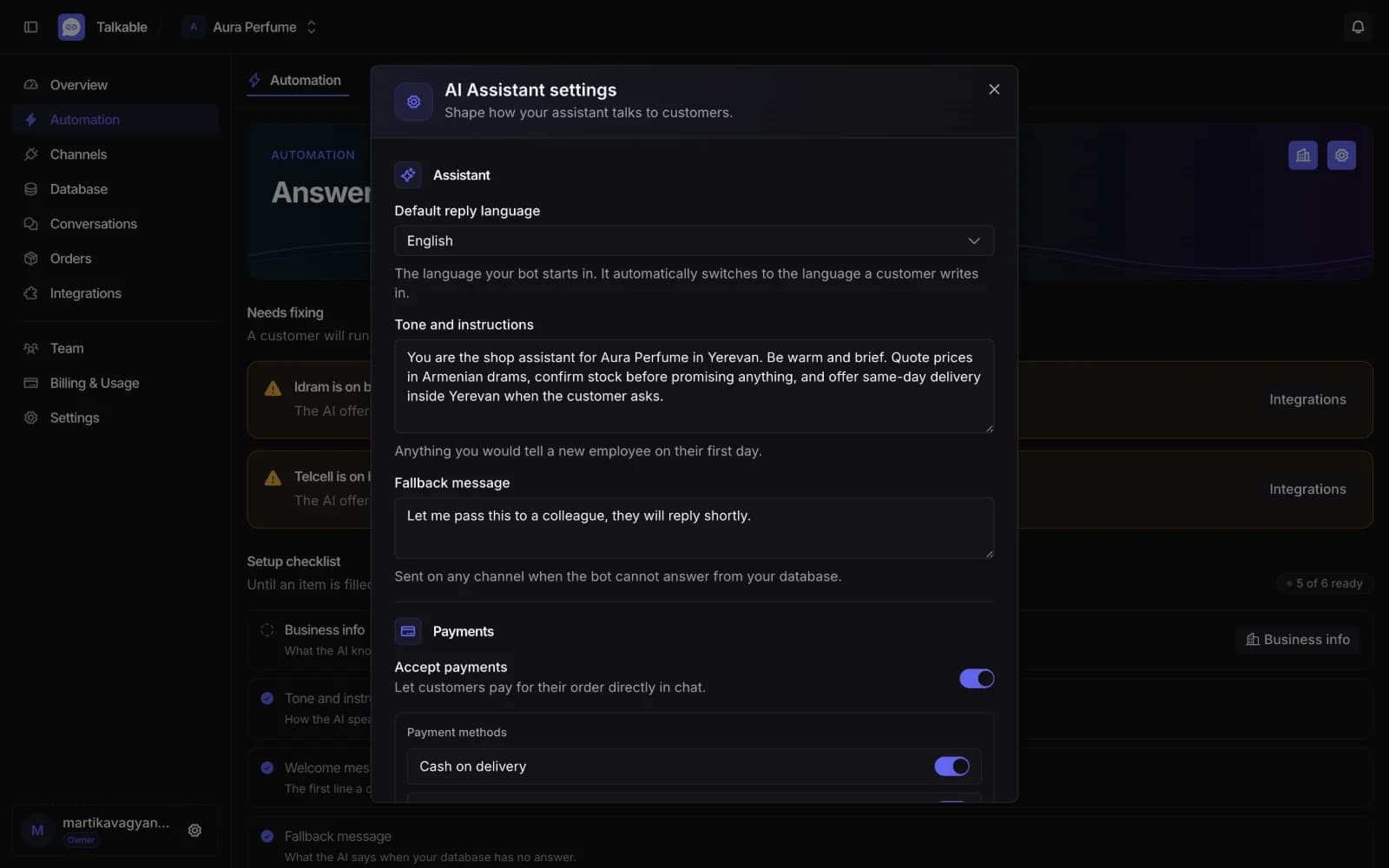
You decide how it speaks
Default reply language, tone, welcome message, and whether it takes payments or offers delivery.
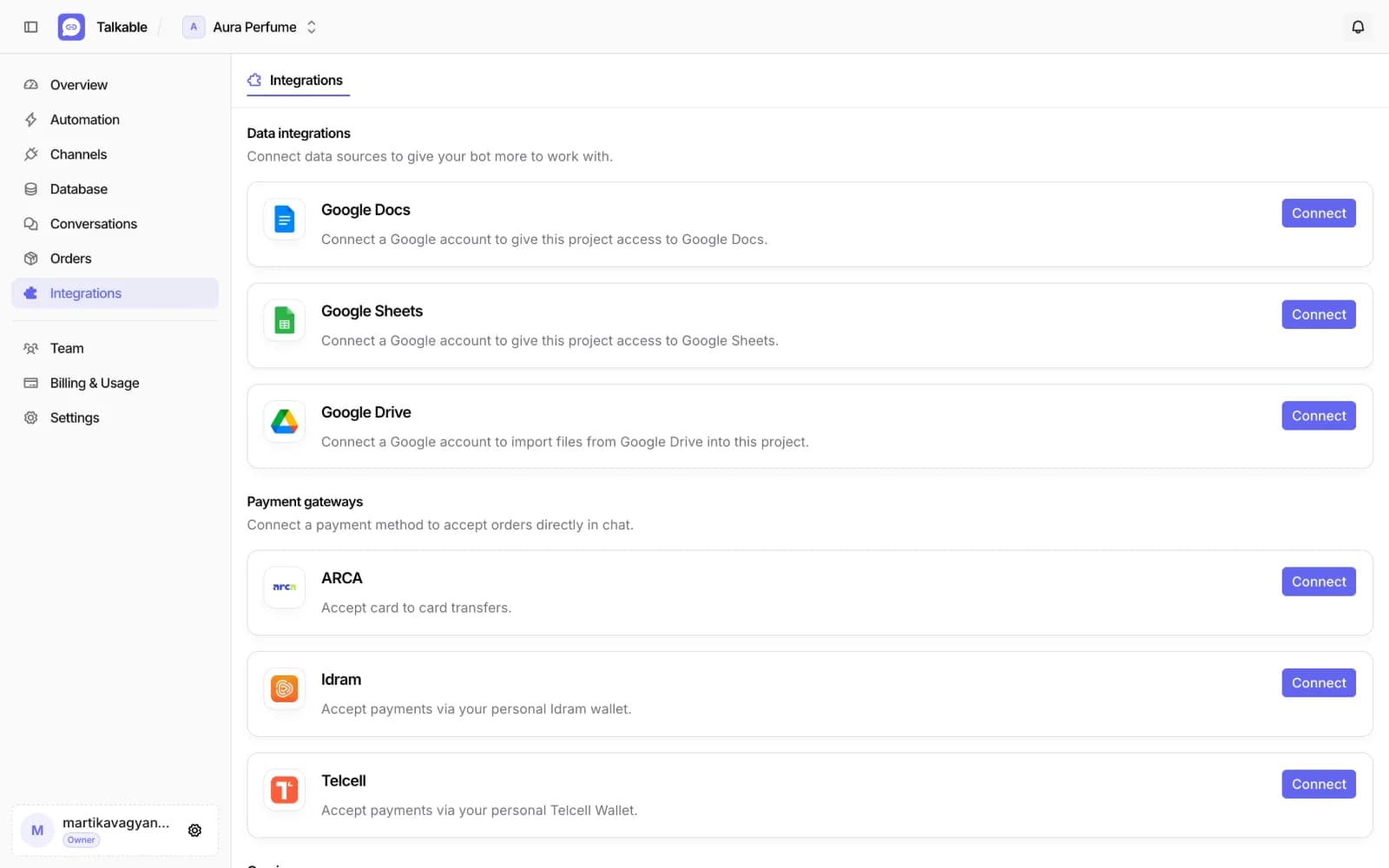
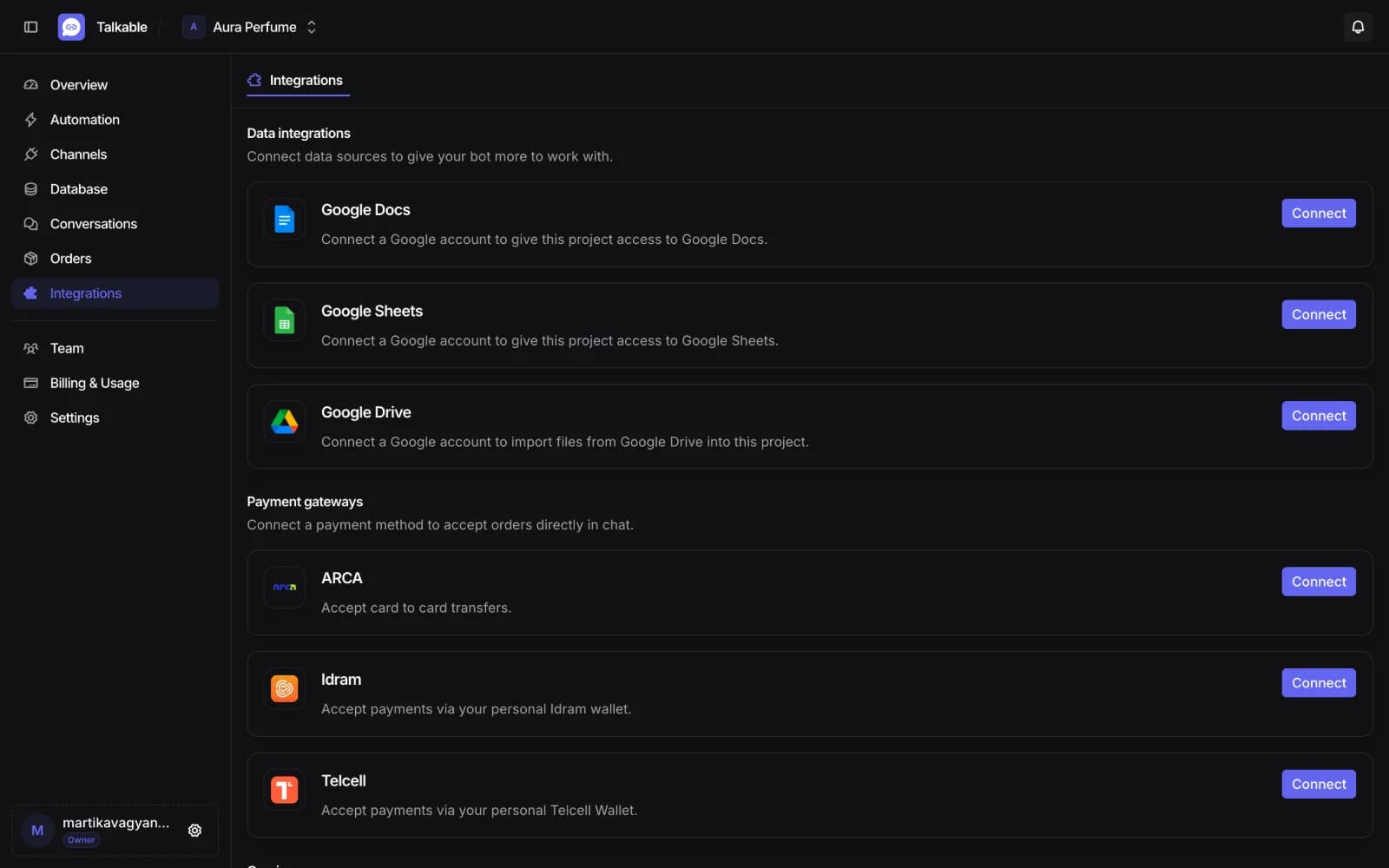
Connect what you already use
Your documents and spreadsheets for the data. Local wallets and cards for payment inside the chat.
One plan per project
Each project has its own plan, limits and usage. Pay annually and save 10%.
For one app and one person.
- 1 platform
- 1 seat
- 20 MB storage
- About 650 AI replies / mo
- 120 min of voice messages / mo
- No integrations
- Standard support
- Early access to new features
For a team, everywhere customers message you.
- All platforms
- 5 seats
- 100 MB storage
- About 4,500 AI replies / mo
- 360 min of voice messages / mo
- All integrations
- Standard support
- Early access to new features
For high volume and priority support.
- All platforms
- 15 seats
- 400 MB storage
- About 10,000 AI replies / mo
- 960 min of voice messages / mo
- All integrations
- Priority support
- Early access to new features
Questions people ask before starting
How does it know my prices?
You import your own table and the assistant searches it before answering, so it quotes what your data says. When something is missing it says so instead of inventing a price.
Where does my data go?
It stays in your project and is used to answer your own customers. We do not sell it and we do not train AI models on it. Payment runs directly between you and the customer, so card and wallet details never reach us.
Which apps can I connect?
Telegram, Instagram and Facebook Messenger. Basic connects one, Pro and Max connect all three.
What languages does the assistant speak?
It starts in the language you pick, then replies in whatever language the customer writes in, message by message.
Can I answer a customer myself?
Yes. Pause the assistant in a single conversation or across a whole app, and write from the same thread.
Can customers pay inside the chat?
Yes, through Idram or Telcell. The money goes to your wallet, we never hold it. A customer can send the receipt and it is checked against the order.
How long does setup take?
Importing your data and connecting one app takes about ten minutes. The setup checklist shows what is still missing before the AI can answer.
How is usage counted?
Per project, from the day of the month the project started, in UTC. The project owner sees tokens, voice messages and storage used against the plan cap at any time.
Put your data to work
Import what you sell and let the AI answer the next message that arrives.